Docs / How to get indexed faster
Google index
How to get indexed faster
A sitemap submit is a request, not a result. Google still has to find a crawlable site, then decide to list it. New sites that skip the boring prep stay invisible even after Search Console says Success.
What a new site should have ready
This is the work Open Babylon did on waifulover.chat before asking Google for anything: public pages that can be fetched, named, and followed.
Live reference: waifulover.chat, robots.txt, sitemap.xml.
- HTTPS on the real host. Google will fetch the URL you submit. A certificate error or a redirect loop stops the crawl before a sitemap matters.
- robots.txt that allows the public site.
User-agent: */Allow: /, plus aSitemap:line. Open Babylon keeps private surfaces (login, paywall, live chat) out of the sitemap and marks themnoindex. Google’s robots primer: Crawling / robots.txt. - A sitemap of public URLs only. Homepage, about, legal — not app shells. How to build one: Build and submit a sitemap.
- Self-canonical on every public page. Open Babylon does not let
/privacycollapse to the homepage, and locale paths keep their own canonical. - A title and a description. Empty
<title>and a missing description make a new host look unfinished. - A real
/favicon.ico(16 / 32 / 48). Linking a dark SVG is a different thing. Browsers still request/favicon.icoby default. If that path falls through to your HTML app, the tab looks empty and Google’s favicon fetcher gets a document, not an icon. - A homepage that answers quickly. First byte is what we put on the Speed board. A slow first HTML response is a weak crawl target.
Submit the sitemap in Search Console
Each step below is a real Google page. The figures match the console as it looks today.
- Open Google Search Console. If you have no property yet, Google sends you to the welcome screen.
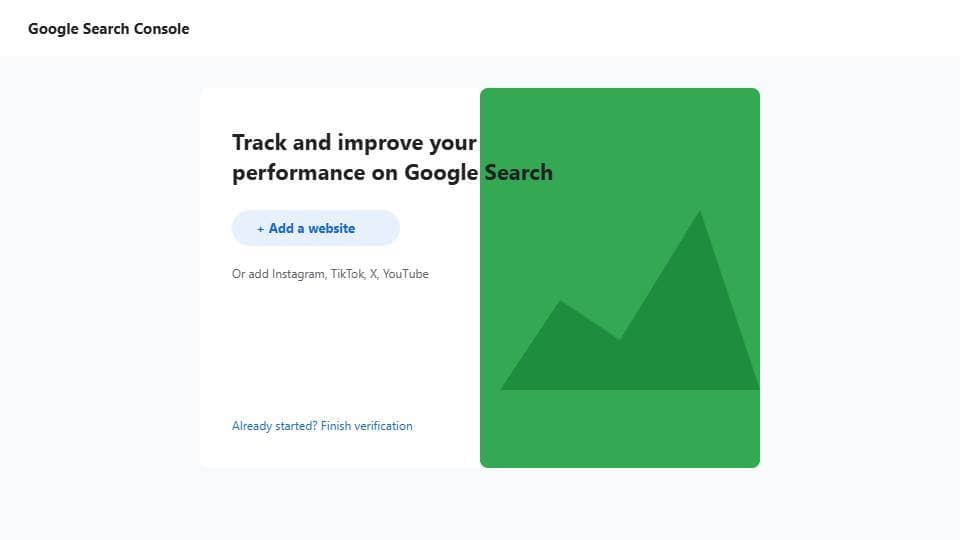
- Click Add a website. Ignore the Instagram / TikTok / X / YouTube row unless you are actually adding a social channel.
- Choose a property type. Domain covers every host after DNS verification. URL prefix is one origin only and allows more verify methods. Official steps: Add a website property.
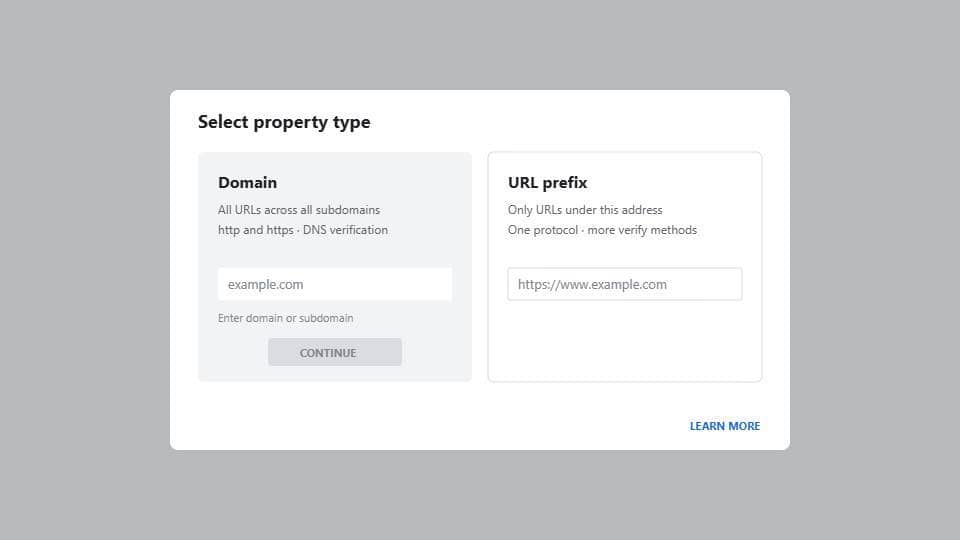
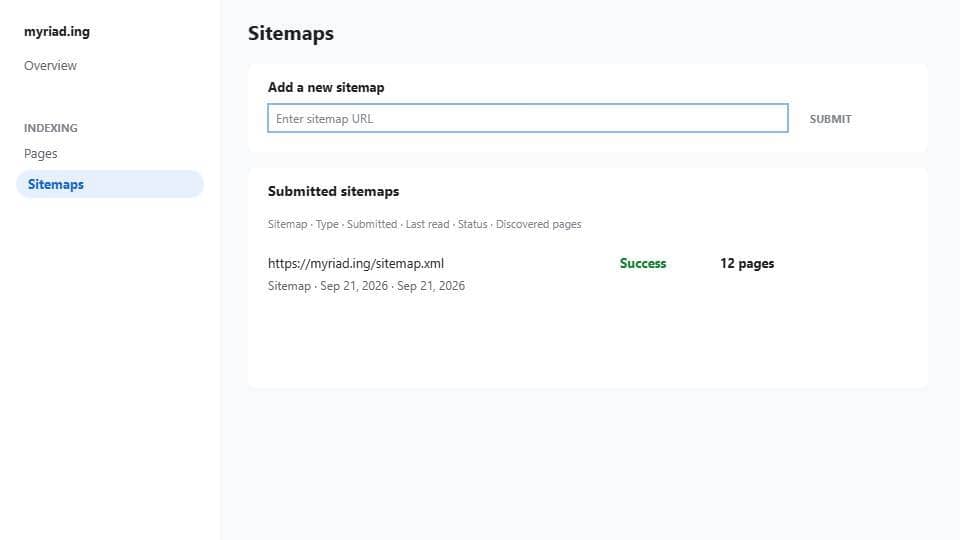
- After verification, open Indexing → Sitemaps or go straight to the Sitemaps report. Help: Submit a sitemap.
- In Add a new sitemap, paste the sitemap URL — usually
https://your-domain/sitemap.xml— and click Submit. - Wait until Status is Success and Discovered pages is not zero. That is Google reading the file. It is not a
site:listing yet. URL Inspection is optional: Inspect a live URL.
After you submit
Search Console Success means Google read the file. It does not mean site:your-domain already has rows.
1. Get the site cited by more sites
Google follows links. A listing about page on opc.observer is a first public mention with a real href. Put the badge on your own site. Ask people who already write about this kind of tool to link the homepage, not a tracking redirect.
2. Make the homepage answer faster
Keep HTML at the first byte. Skip a blank shell that waits on JavaScript to become a document. We measure Worker TTFB on submit and Refresh; under 100ms is instant on this board, over 1s is poor.
3. Wait a few days
New hosts often sit in “Success, 0 search appearance” for several days. opc.observer watches Google site: for 7 days after you submit here. Refresh re-checks. If it is still “Not observed yet” after that window, fix crawlability first, then give it another week — do not resubmit the same sitemap every hour.